A Website Mockup Tool That Lets You See the Site Before You Pay for It
The short answer
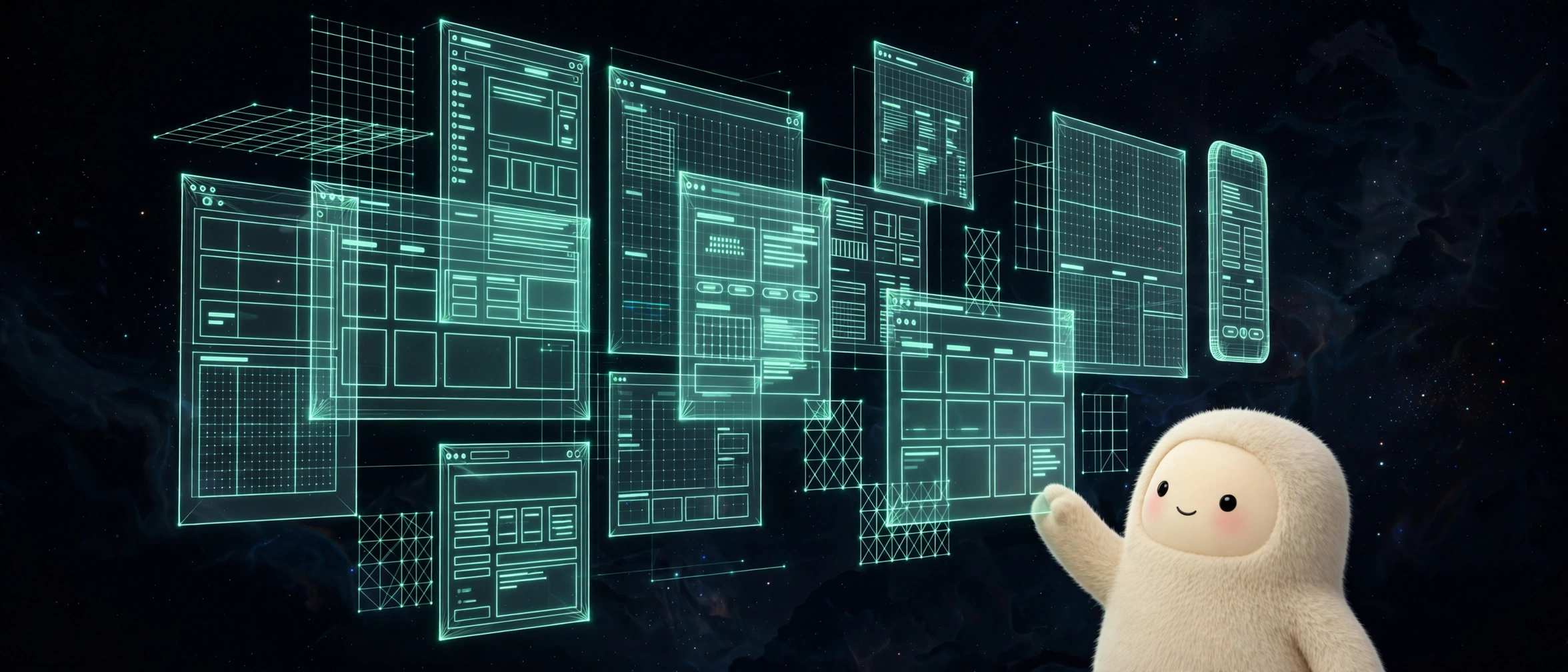
A website mockup tool lets you lay out how a site or app should look before anyone builds it, so you can catch the problems while they are still cheap to fix. EyeSpye does exactly that. It is a layout studies tool for apps, sites, slides, and more, and everything you make is saved on your device, no account, no upload, no monthly bill.
I learned this lesson the expensive way, and so has nearly every small business owner I know. Somebody pays for a website redesign, waits six weeks, and finally sees the finished site for the first time. The booking button is buried. The phone number is in the footer. The homepage looks great on a desktop and falls apart on the phone their customers actually use. Fixing any of that now means paying again, or living with it. A layout study done first would have caught all three in an afternoon.
Seeing it before building it
That is the whole idea behind EyeSpye, and it is simpler than it sounds. You lay out the screens: homepage, services, booking, contact. You put the pieces where you think they go. You look at it the way a customer would, on a phone, in a hurry, half distracted. Then you move things around until the layout makes sense.
Figma’s Tom Lowry puts it better than I can: “Getting feedback on a prototype is one of the easiest and cheapest ways to get feedback, before you spend a lot of money building something that might not meet user needs.” The keyword there is cheapest. A layout study costs you an afternoon. A rebuild costs you a month and a second invoice.
EyeSpye keeps it deliberately small. It is not a design suite and it does not pretend to be one. It is a place to lay out how an app, website, or slideshow should look and see it before it is built. Your studies are saved on your device, which means nobody else’s server holds your half finished ideas, and there is no account to create before you can start.
The five person test
Once you have a layout, show it to five people. Not fifty. Five. The Nielsen Norman Group has run the numbers on this for years, and the result is stubbornly consistent: a single test user finds about a third of the usability problems in a design, and five users find around 85 percent of them. After the fifth, as Jakob Nielsen puts it, “you are wasting your time by observing the same findings repeatedly.”
Five people is a number a small business can actually manage. Show the layout to your receptionist, your best customer, your partner, and two friends. Ask each of them to do one thing: book an appointment, find the price list, get your address. Do not explain anything. Just watch where they tap first, and where they get stuck. The places they hesitate are the places your real customers will hesitate, except your real customers will just leave.
Do that with an EyeSpye layout study and you will walk into a redesign conversation knowing exactly what you want. That changes the whole dynamic with a developer. Instead of “make me a nice website,” you are saying “here is the layout, here is what five people tripped over, here is what I want changed.” You get a better site, and you get it faster, because nobody is guessing anymore.
What a layout study catches
Here are the problems I see most often when a small business shows me a site they already paid for. They are all layout problems, and they are all visible in a mockup before a single line of code exists.
The call to action is below the fold. On a phone, the first screen is a big photo and a headline, and the booking button is two swipes down. Nobody swipes twice to give you money. Put the action on the first screen.
The navigation is written for the owner, not the customer. Tabs called “Our Story” and “Our Philosophy” instead of “Book now” and “Prices.” Customers do not browse your philosophy. They want to know what it costs and when you are free.
The phone number is an image, or it is in the footer. If a customer has to hunt for a way to contact you, they will contact your competitor instead. The number belongs in the header, on every page, tappable.
The mobile layout is an afterthought. Most of your customers are on phones. If the layout was designed on a desktop and squeezed down, the text is tiny, the buttons are fiddly, and the images take forever to load. Lay the mobile version out first. EyeSpye is built for exactly that kind of thinking: lay out the screens, look at them like a customer, fix what is broken.
A website mockup tool should be boring in the right way
There is a temptation to make the mockup beautiful. Resist it. A layout study is not the finished design, it is a working sketch. Boxes, labels, and rough placement are enough. The prettier the mockup, the harder it is to throw away, and the whole point is that throwing it away costs nothing.
That is why EyeSpye saves everything on your device and stays out of the way. No templates to fight with, no account, no sharing settings. You open it, lay out the screens, and when the layout is wrong you change it in seconds. The mockup is disposable. The decisions it produces are not.
If you are about to redesign your site, or build your first one, do the layout study first. Open EyeSpye free in our lab at eyespied.vercel.app, sketch the screens your customers actually need, and run the five person test before you spend a dollar on development. Figma’s guide to prototyping is a solid next read if you want the thinking behind it: What is Prototyping in Design?. And if you want the numbers on testing with five users, the Nielsen Norman Group article is short and worth it: Why You Only Need to Test with 5 Users.
Frequently asked questions
What is a website mockup tool?
A website mockup tool lets you lay out how a site should look before it is built. You arrange the screens, headings, buttons, and content, then review the layout like a customer would. EyeSpye is a free one for apps, sites, and slides, and your studies are saved on your device.
How do I preview a website design before building it?
Lay out the screens in a mockup tool first, then show the layout to five people and ask each of them to complete one real task, like booking or finding a price. Fix whatever they trip over. Only then hand the layout to a developer.
How many people should test a website design?
Five. Nielsen Norman Group research shows five test users find around 85 percent of usability problems, and one user alone finds about a third. Testing more than five mostly repeats the same findings.
Is EyeSpye free?
Yes. EyeSpye is free to try in the Oasis Lab at eyespied.vercel.app. There is no account to create and your studies are saved on your device.
Want the site built properly after the mockup?
A good layout is half the job. If you want the other half, the build, the booking flow, the follow-up messages, and the whole thing running without you babysitting it, that is what we do at Oasis Automate. Book a free demo and bring your layout study with you. We will start from what your customers already told you.